
Create Banners With
Creative Direction
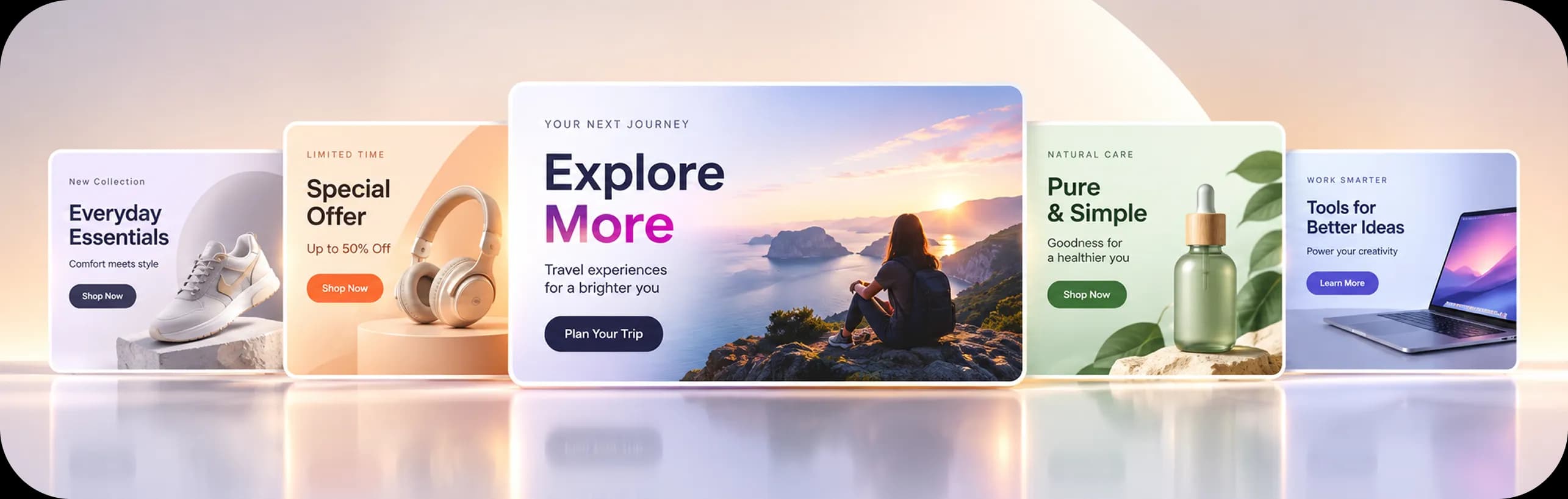
Turn products and campaigns into professionally composed banners through a structured AI creative workflow. Define your campaign, explore creative angles, shape the message, and generate multiple banner formats from a single idea.
Free usage available
Creative Direction,
Built Into Generation

From Direction to Banner
A More Intentional Way to Create
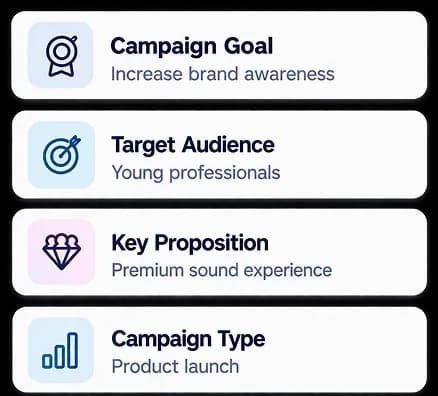
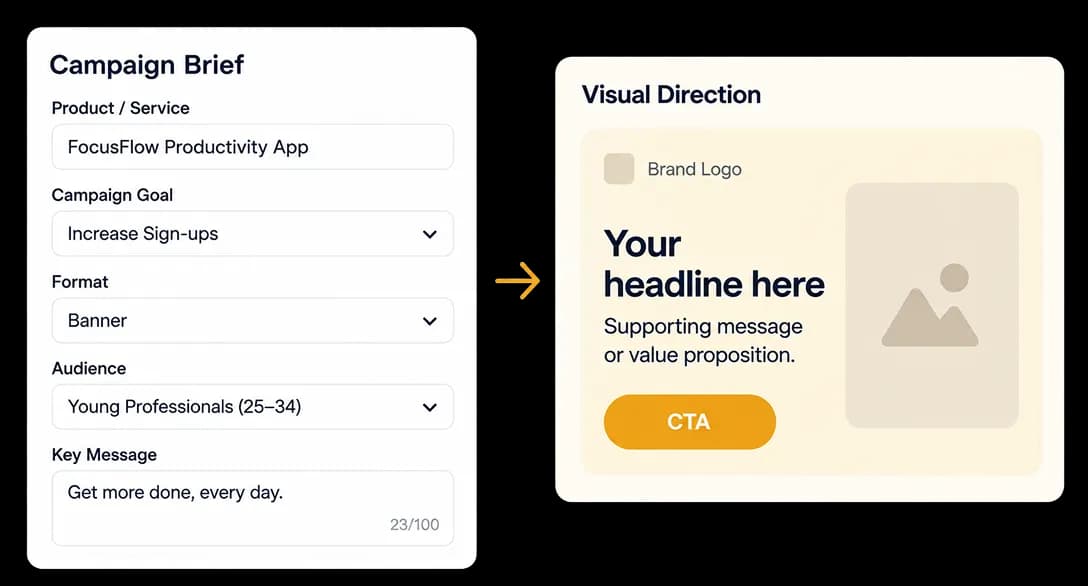
Set Your Direction
Define your product, campaign, and creative requirements.

Built for Everyone
Who Creates
Simple to Start. Powerful to Explore.
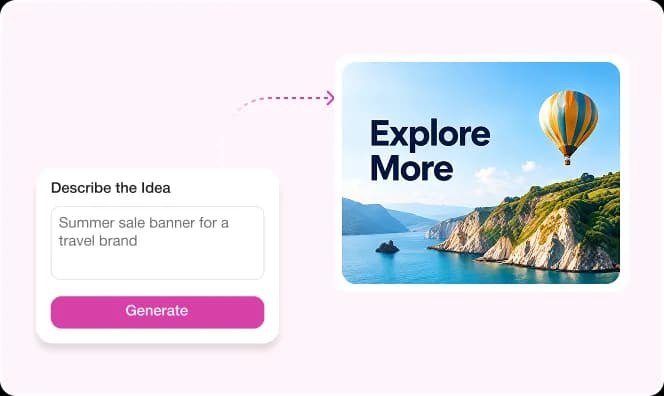
First-Time Creators
Turn campaign ideas into polished banners without design or AI expertise.
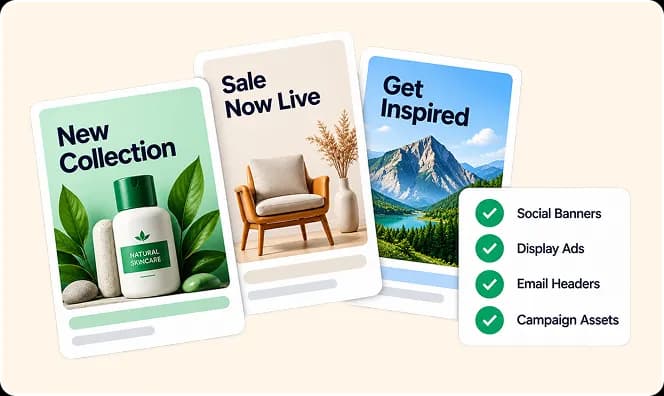
Marketing Teams
Create campaign banners without complex creative workflows.
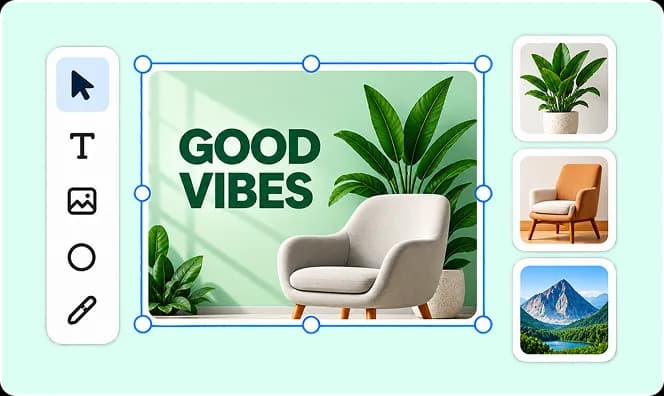
Designers
Explore more creative directions and banner compositions.
Content Creators
Turn campaign ideas into engaging banners faster.
Agencies & Brands
Develop more creative directions and banner variations for campaigns.
Start With an Idea.
Discover the Direction.
Not Every Campaign Arrives Fully Formed.
Sometimes you know what you want to promote, but not exactly how it should look across different banner formats.
Banner Studio gives you the freedom to explore that campaign visually—trying different angles, messages, and formats until the right expression starts to emerge.
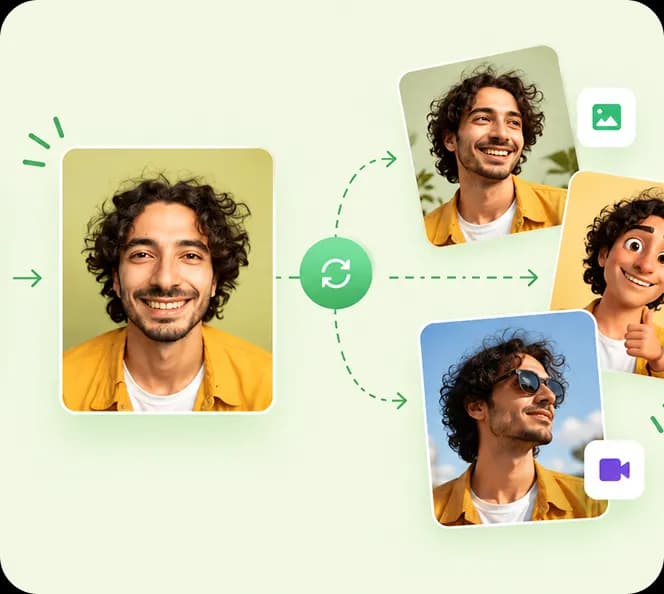
One idea
Different directions
The right banner
What Makes the Difference
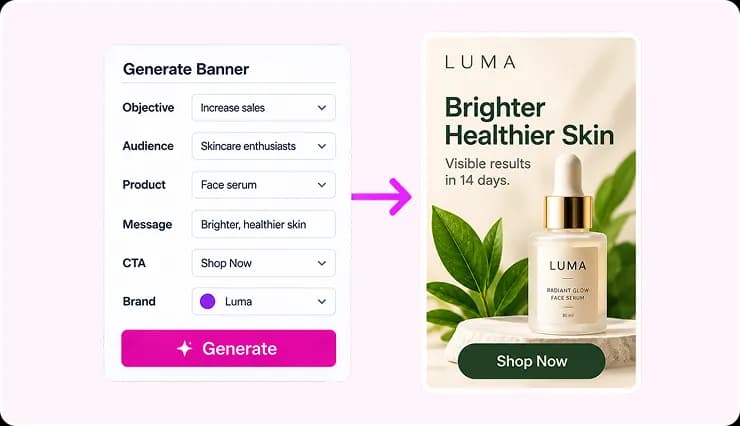
More Than Prompt → Generate
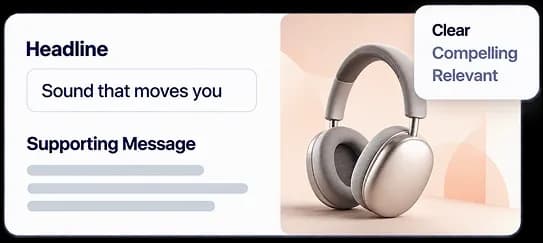
Banner Studio gives you a structured way to direct AI-generated banner creatives.
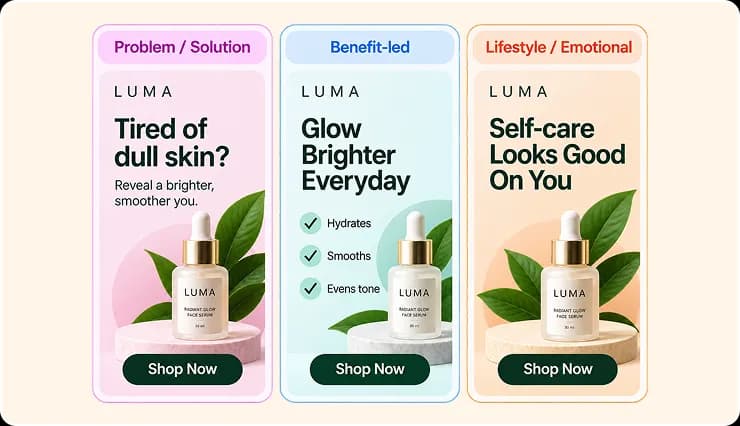
Multiple Creative Angles
Start with intentional campaign directions.

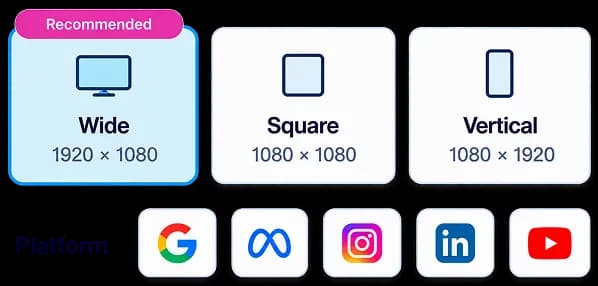
Purpose-Built Formats
Create banners for the placements you need.
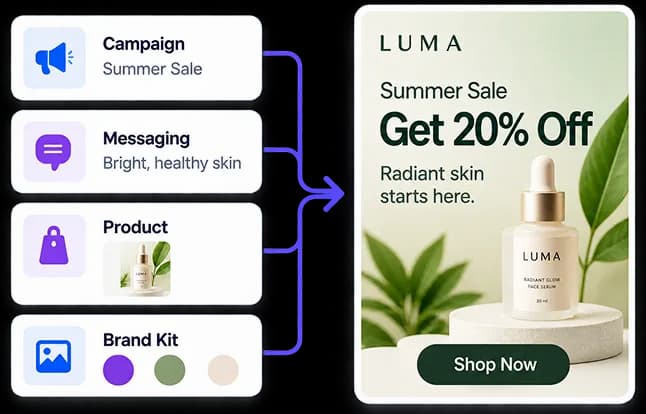
Creative Direction
Combine your campaign, messaging, product, and brand elements.
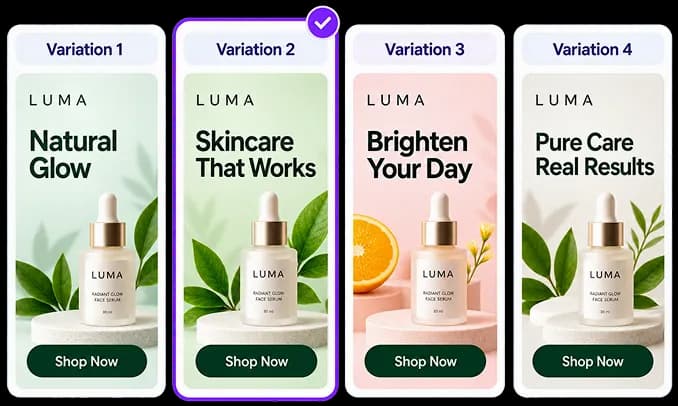
Multiple Interpretations
Explore different expressions of the same campaign.
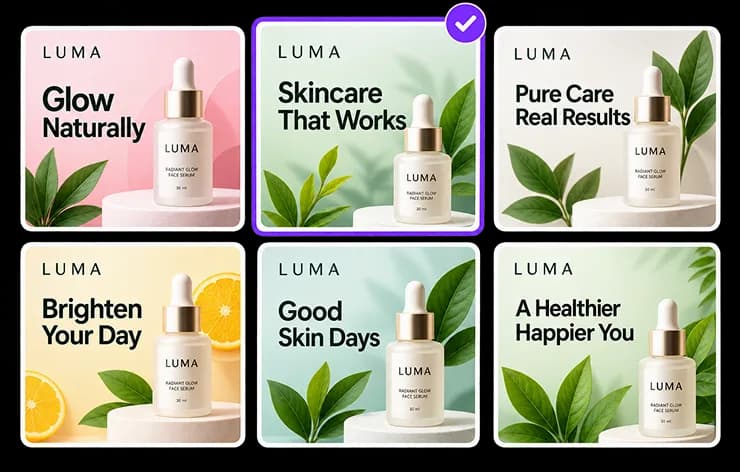
The goal isn't more banners.
It's finding the right one.Your Questions Answered
Frequently Asked Questions
An AI banner creation workspace built around creative direction, messaging, formats, and visual exploration.
No. Banner Studio is built for creators at every level—guided direction and clear controls help you explore campaigns without needing design or AI expertise.
Yes. You can start exploring Banner Studio for free, then upgrade when you need more generations, styles, or team features.
It focuses on campaign direction first—strategy, messaging, formats, and composition—so you explore the banner before locking a final creative.
Yes. Generate multiple interpretations of the same campaign, compare directions, and refine until the right banner emerges.
Wide, square, vertical, and other display formats sized for the placements you need—including social, display, and campaign assets.

Give Your Campaign a
Creative Direction
Create, explore, and find the banner that brings your campaign to life.