
Create Thumbnails
With CreativeDirection
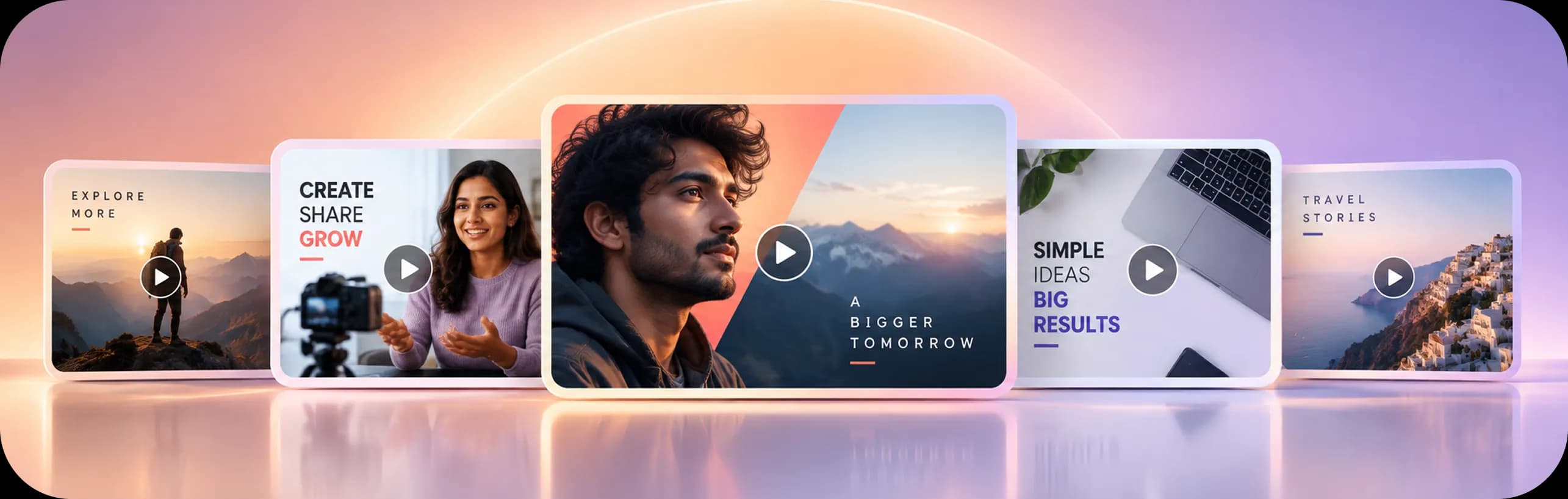
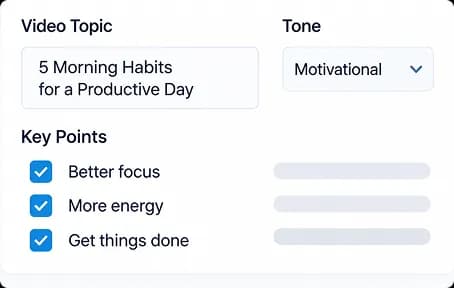
Turn video ideas into compelling, click-worthy thumbnails through a structured AI creative workflow. Define the content, shape the visual composition, control the look and typography, and explore multiple directions from a single idea.
Free usage available
Creative Direction,
Built Into Every Thumbnail

From Idea to
Click-Worthy Visual
A More Intentional Way to Create
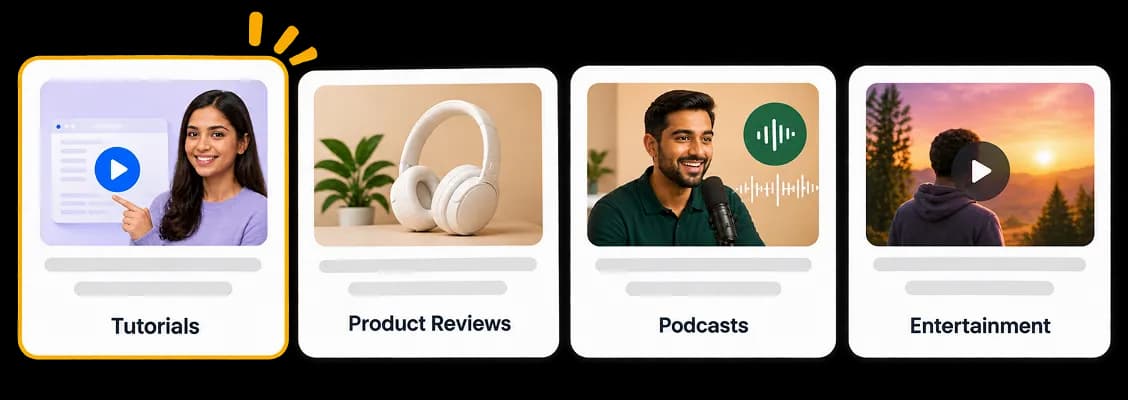
Set Your Template
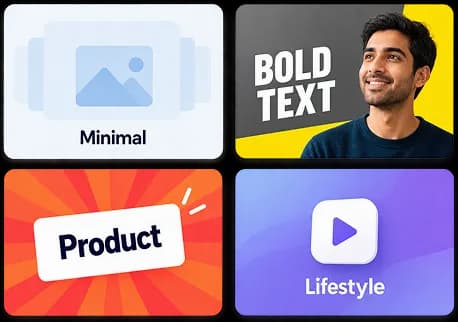
Choose a thumbnail format designed around your content type, from tutorials and podcasts to product reviews, finance, entertainment, and more.

Built for Everyone
Who Creates
Simple to Start. Powerful to Explore.
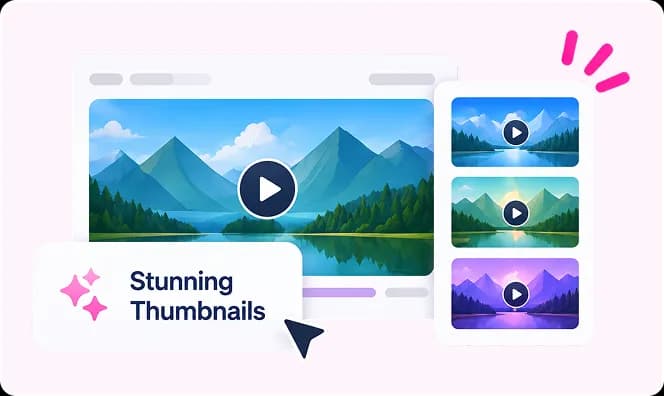
First-Time Creators
Create professional-looking thumbnails without needing advanced design or image-editing skills.
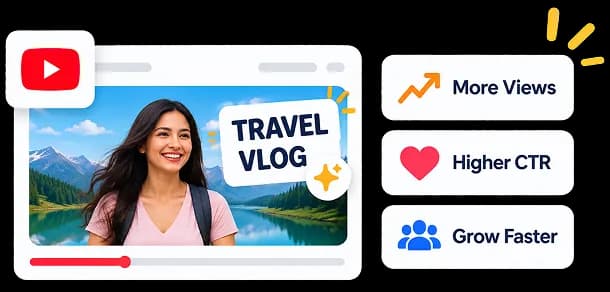
YouTubers & Content Creators
Turn video topics and hooks into attention-grabbing thumbnails faster.

Marketing Teams
Create consistent thumbnails for campaigns, video series, educational content, and branded channels.
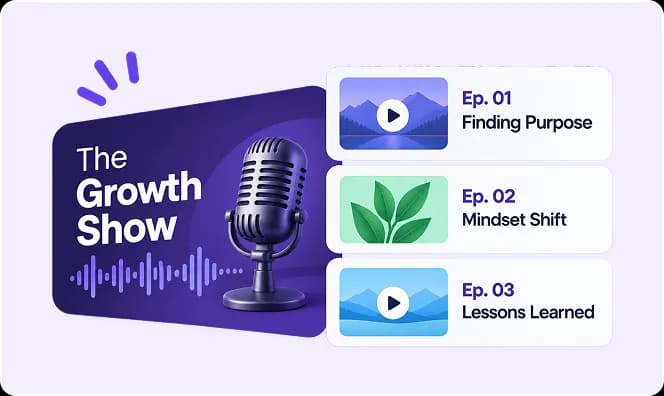
Podcasters
Build distinctive episode visuals that communicate the guest, topic, and story at a glance.

Brands & Agencies
Develop multiple thumbnail directions while maintaining a consistent visual identity across content.
Start With a Video.
Discover the Hook.
A Great Video Deserves a Strong First Impression.
The right thumbnail can determine whether someone stops, notices, and decides to watch.
Thumbnail Studio gives you a structured way to explore that first impression. Test different headlines, compositions, expressions, visual styles, typography, and creative treatments until the thumbnail communicates the story at a glance.
One video
Different hooks
The right thumbnail

What Makes
the Difference
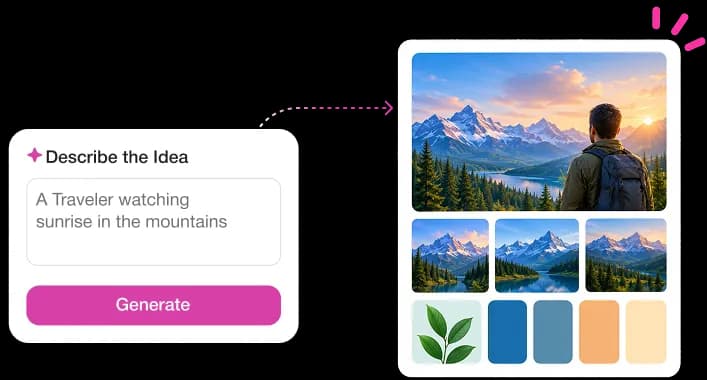
More Than Image → Text
Thumbnail Studio combines the visual and editorial decisions that make a thumbnail work.
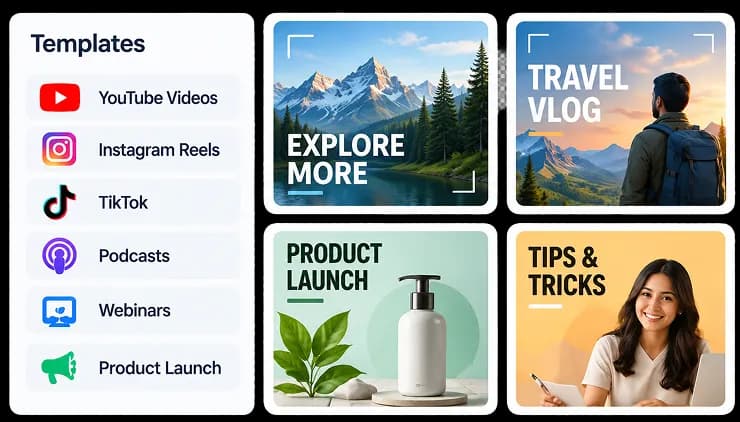
Purpose-Built Templates
Start with proven structures for different content types and platforms.
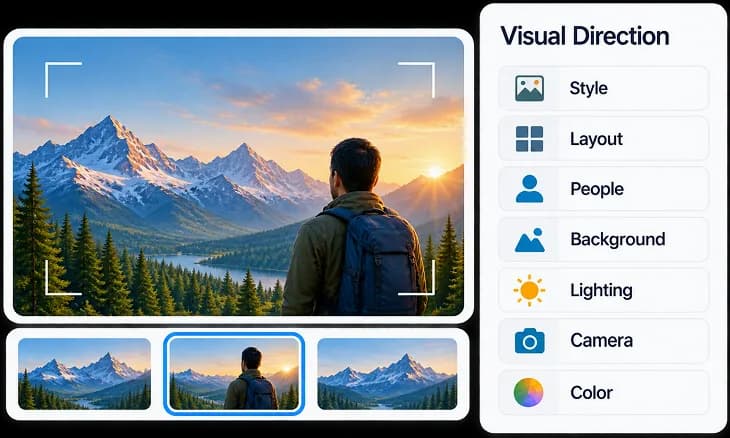
Visual Direction
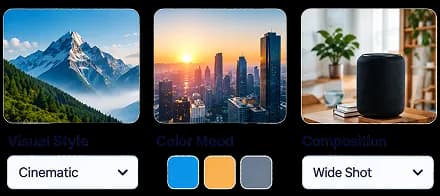
Control style, layout, people, expressions, backgrounds, lighting, camera, and color.
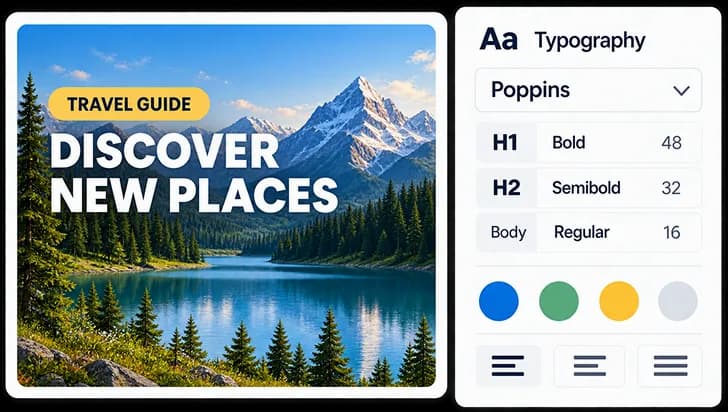
Headline & Typography
Shape the hierarchy, placement, font style, and treatment of the text that drives attention.
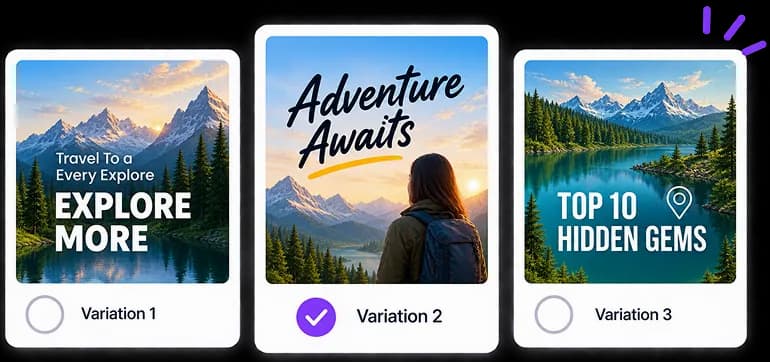
Multiple Variations
Explore different interpretations of the same video idea without starting over.
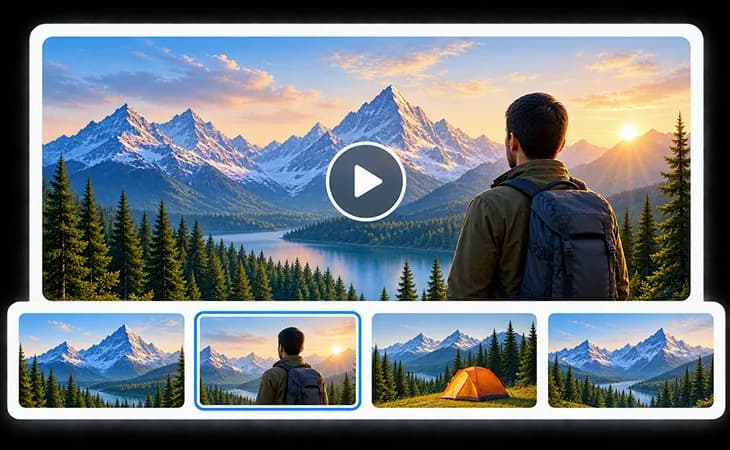
The goal isn't more thumbnails.
It's finding the one that earns the click.
Your Questions Answered
Frequently Asked Questions
An AI thumbnail creation workspace that combines content, visual direction, composition, and typography to create engaging thumbnails.
No. Thumbnail Studio is built for creators at every level—guided templates, clear controls, and structured direction help you explore without design or AI expertise.
Yes. You can start with free usage, then upgrade when you need more generations, advanced controls, or collaboration features.
It treats thumbnails as creative direction—not just image generation—so you shape headlines, composition, style, and typography before choosing the version that earns the click.
Yes. Define headlines, layout, typography, expressions, backgrounds, lighting, and supporting elements so the thumbnail matches your hook and brand.
Yes. Start from purpose-built templates for YouTube, short-form video, podcasts, and other content types so sizing and structure fit each platform.
Yes. Generate and compare multiple interpretations of the same video idea to find the strongest visual hook before you publish.

Give Every Video a
Stronger First Impression
Create, explore, and find the thumbnail that turns your idea into a visual hook.